Bus Simulator Indonesia APK for iOS – Complete Truth About Compatibility
Can you install Bus Simulator Indonesia APK for iOS? Searching for “BUSSID APK for iPhone”? This guide explains everything about APK files, why they don’t work on iOS devices, and the correct way to get Bus Simulator Indonesia on your iPhone or iPad.
Can You Install APK Files on iPhone or iPad?
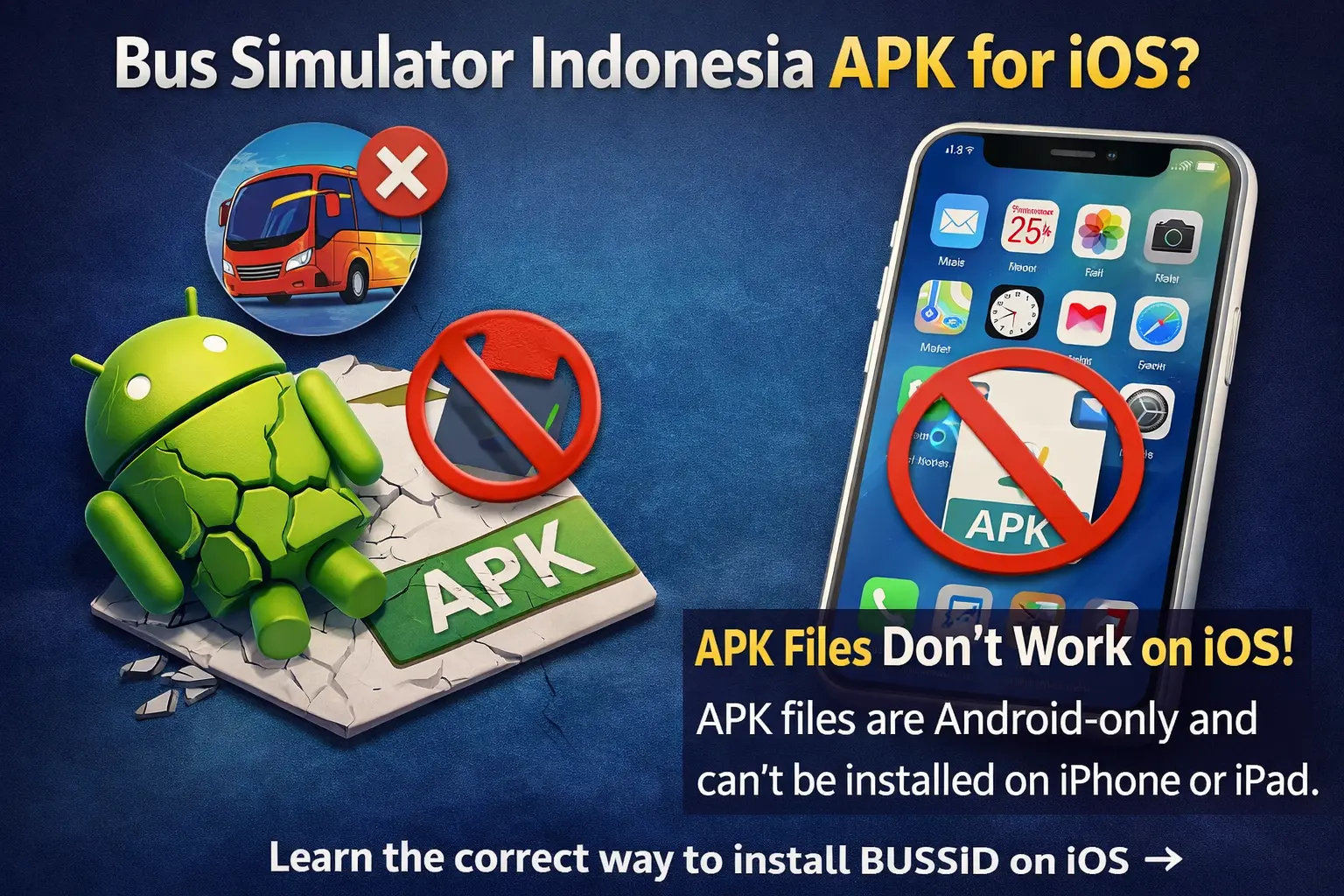
No, absolutely not. APK files are exclusively for Android devices and are completely incompatible with iOS (iPhone and iPad).
This is one of the most common misunderstandings among mobile gamers. Let’s clear up the confusion once and for all.
What is an APK File?
APK stands for Android Package Kit. It’s the file format Android uses to distribute and install applications.
Key Facts About APK:
- Created specifically for the Android OS
- Contains app code, resources, and assets formatted for Android
- Can be installed on Android phones and tablets
- Similar to .exe files on Windows computers
What APK is NOT:
- APK is NOT compatible with iOS
- APK is NOT an iPhone file format
- APK CANNOT be converted to work on iOS
- APK has ZERO functionality on iPad/iPhone
What is an IPA File?
For iOS devices, the equivalent file format is IPA.
IPA stands for iOS App Package. This is what iPhones and iPads actually use.
Key Facts About IPA:
- Created specifically for iOS devices
- Contains app code formatted for iPhone/iPad
- Distributed through the Apple App Store
- Completely different structure from APK
The Bottom Line: APK is an Android file. IPA is for iOS. They are fundamentally incompatible.
Why APK Files Don’t Work on iOS
The incompatibility between APK and iOS isn’t just a small technical issue – it’s a fundamental architectural difference.
Different Operating Systems
Android OS:
- Developed by Google
- Based on the Linux kernel
- Open-source foundation
- Allows sideloading apps from various sources
- Uses APK file format
iOS (iPhone Operating System):
- Developed by Apple
- Based on Unix/Darwin
- Closed-source proprietary system
- Restricts app installation to App Store (with a few exceptions)
- Uses IPA file format
These are completely different operating systems, like comparing Windows to macOS.
Different Programming Languages and Frameworks
Android Apps Use:
- Java programming language
- Kotlin (newer Android language)
- Android SDK (Software Development Kit)
- Dalvik/ART runtime environment
iOS Apps Use:
- Swift programming language
- Objective-C (older iOS language)
- iOS SDK
- Cocoa Touch framework
An app written in Java for Android simply cannot run on iOS without complete rewriting.
Different File Structures
APK Structure:
APK File Contains:
- AndroidManifest.xml
- classes.dex (executable code)
- resources.arsc
- lib/ (native libraries)
- META-INF/ (signatures)
IPA Structure:
IPA File Contains:
- Info.plist
- Executable binary
- _CodeSignature/
- Frameworks/
- Assets.car
These structures are incompatible. An iPhone cannot read or execute APK contents.
Security and Architecture Differences
Android Security Model:
- Apps run in a sandboxed environment
- Permission-based security
- Google Play Protect scanning
- Allows third-party app stores
iOS Security Model:
- Stricter app sandboxing
- Mandatory code signing
- App Store review process
- Limited sideloading capabilities
iOS’s security model actively prevents APK installation by design.
Common Myths About APK on iOS
Myth 1: “You can convert APK to IPA.”
FALSE. This is technically impossible.
You cannot simply convert an APK file to IPA like converting a document format. The apps must be completely rewritten from scratch for iOS using different programming languages, frameworks, and tools.
Some websites claim to offer “APK to IPA converters” – these are scams that either do nothing or install malware.
Myth 2: “Jailbreaking allows APK installation”
FALSE. Even jailbroken iPhones cannot run APK files.
Jailbreaking removes some iOS restrictions, but doesn’t magically make iOS understand Android code. APK files still won’t function because the fundamental architecture is different.
Myth 3: “Emulators can run APK on iOS.”
PARTIALLY FALSE. While Android emulators exist for computers (Windows, Mac, Linux), there are NO functional Android emulators for iOS devices.
The iPhone/iPad hardware and iOS can’t emulate Android effectively. Even if attempted, performance would be unusable.
Myth 4: “There’s a special BUSSID APK for iOS.”
COMPLETELY FALSE. Any website claiming to offer “Bus Simulator Indonesia APK for iPhone” is lying.
These sites are either:
- Scam websites are stealing personal information
- Malware distributors
- Fake download generators are earning ad revenue
- Phishing attempts
How to Actually Get BUSSID on iPhone/iPad
Since APK doesn’t work on iOS, here’s the correct method:
Method 1: Official App Store (Recommended)
This is the ONLY legitimate way to install Bus Simulator Indonesia on iPhone or iPad.
Step-by-Step Installation:
Step 1: Open App Store
- Tap the blue App Store icon on your iPhone or iPad
- Ensure you’re connected to WiFi for faster downloads
- Make sure you’re signed in with your Apple ID
Step 2: Search for the Game
- Tap the Search icon at the bottom of the screen
- Type “Bus Simulator Indonesia” in the search bar
- Look for the official app with MALEO as the developer name
Step 3: Download
- Tap the Get button (the game is free)
- Authenticate using Face ID, Touch ID, or your password
- Wait for the download to complete (approximately 400-500 MB)
Step 4: Install and Play
- The app installs automatically after download
- Tap Open or find the BUSSID icon on your home screen
- Complete the initial tutorial
- Start playing immediately!
Why This Method is Best:
- 100% safe and secure
- No risk of malware or viruses
- Automatic updates delivered by Apple
- Official support from developers
- Cloud save functionality works properly
- Full multiplayer features
- No compatibility issues
- Completely legal
Cost: FREE (with optional in-app purchases)
Method 2: Use PC/Mac with Android Emulator
Want the Android version (including MOD APK) but own an iPhone? Use a computer:
What You Need:
- PC (Windows) or Mac computer
- Android emulator software (BlueStacks, LDPlayer, NoxPlayer)
- Bus Simulator Indonesia APK file (if using MOD version)
How It Works:
Step 1: Download and install an Android emulator on your computer
- BlueStacks (most popular, easiest to use)
- LDPlayer (best performance)
- NoxPlayer (good customization)
Step 2: Set up the emulator
- Sign in with a Google account
- Configure performance settings
- Adjust keyboard controls
Step 3: Install BUSSID
- Either download from the Google Play Store within the emulator
- Or install the BUSSID MOD APK file directly
Step 4: Play on the computer
- Enjoy a larger screen and better graphics
- Use keyboard and mouse for controls
- Access full Android features, including mods
Benefits:
- Access Android version and MODs safely
- Play on a larger monitor
- Better performance than mobile
- Keyboard/controller support
- Your iPhone remains safe and unmodified
Drawbacks:
- Requires computer access
- Not portable like a mobile
- Takes up computer storage
This is the method many iOS users choose when they want Android features.
Method 3: Get a Separate Android Device
If you absolutely need the native Android experience with mods:
Budget Options:
- Entry-level Android phones (~$100-150)
- Used/refurbished Android tablets
- Older Android devices from friends/family
Benefits:
- Full native Android APK support
- Install any BUSSID MOD APK
- Portable gaming
- Keep your iPhone for other uses
When This Makes Sense:
- You’re a serious BUSSID enthusiast
- Want an authentic Android mod experience
- Can afford a second device
- Play BUSSID extensively
Many dedicated players maintain both iOS and Android devices.
Understanding Android MOD APK vs iOS
Why do Android users have MOD APKs while iOS doesn’t? Let’s understand:
Why Android Has MODs
Open Nature of Android:
- Android allows “Unknown Sources” installation
- Sideloading APK files is officially supported
- The file system is more accessible
- Development tools are more available
- Larger modding community
Technical Factors:
- APK files are easier to decompile
- Android code modification is more straightforward
- Testing and distribution are simpler
- Google’s policies are less restrictive
This creates an active modding community for Android games.
Why iOS Doesn’t Have MODs (Easily)
Closed Nature of iOS:
- App Store is the primary/only installation method
- Sideloading is intentionally difficult
- The file system is locked down
- Code signing is mandatory
- Strict Apple policies
Technical Barriers:
- IPA files require developer certificates
- Apps must be signed by verified developers
- Jailbreaking is needed for most mods
- Modding tools are limited
- Distribution is risky
These factors make iOS modding rare and risky.
What This Means for BUSSID
Android BUSSID MOD APK includes:
- Unlimited money and fuel
- All buses are unlocked from the start
- No ads
- Custom modifications
- Enhanced features
iOS BUSSID (Official) includes:
- Standard progression system
- Earn money through gameplay
- Unlock buses gradually
- Ads (can be removed via purchase)
- Official supported features only
Reality Check: iOS users trade mod capabilities for security, stability, and official support.
Scams to Avoid: Fake “APK for iOS” Sites
Many websites prey on confusion about APK and iOS compatibility. Here’s what to watch for:
Common Scam Types
Fake Converter Sites:
Sites claiming to “convert APK to iOS format” or “make APK compatible with iPhone.”
Red Flags:
- Claim instant conversion
- Require app installations first
- Ask for surveys to “verify you’re human.”
- Display fake progress bars
- Never actually deliver a working file
Reality: Conversion is impossible. These sites steal information or generate ad revenue.
Fake Download Pages:
Pages with titles like “BUSSID APK iOS Download” or “Bus Simulator APK for iPhone.”
Warning Signs:
- Multiple fake download buttons
- Excessive pop-up ads
- Require enabling “Unknown Sources” (iOS doesn’t have this)
- Request personal information
- Suspicious file names
Reality: These downloads malware, adware, or nothing at all.
Phishing Sites:
Sites asking for your Apple ID to “verify” or “unlock” the download.
Danger Signs:
- Request Apple ID credentials
- Ask for payment information
- Claim to need “verification”
- Looks like official Apple pages but aren’t
Reality: These steal your Apple ID and payment information.
How to Recognize Legitimate Information
Trustworthy Sources Say:
- “APK doesn’t work on iOS.”
- “Download from App Store only.”
- “No legitimate APK-to-IPA conversion exists.”
- “Use official channels for safety.”
Scam Sites Say:
- “Download BUSSID APK for iPhone here!”
- “Convert any APK to iOS format!”
- “Special iOS-compatible APK version!”
- “Unlock iPhone to install APK!”
Trust sources that tell you the truth, even if it’s not what you wanted to hear.
What iOS Users Actually Get
While iOS users can’t install APK files, the official iOS version of Bus Simulator Indonesia is excellent:
Features in iOS Version
Complete Gameplay:
- 50+ authentic Indonesian bus models
- Realistic driving physics
- Indonesian cities and highways
- Career mode with progression
- Free roam exploration
Customization:
- Custom livery designs
- Paint and decal options
- Interior modifications
- Horn customization
- Share designs with the community
Multiplayer:
- Convoy mode with friends
- Real-time online play
- Global servers
- Chat functionality
- Cooperative driving
Performance:
- Optimized for iOS devices
- 60 FPS support on newer iPhones
- Smooth controls
- Stable gameplay
- Regular updates
Safety:
- No malware risk
- Official developer support
- Cloud save backups
- Secure transactions
- Privacy protection
Missing Features (vs Android MODs)
What iOS Lacks:
- Unlimited money from the start (must earn)
- All buses unlocked immediately (progressive unlock)
- Unlimited fuel (fuel management is a gameplay element)
- Custom vehicle mods (limited by iOS)
- Map modifications (restricted)
But consider: Many players find progression more rewarding than instant unlocks. Earning features creates satisfaction and extends gameplay enjoyment.
Frequently Asked Questions
Can any APK file work on an iPhone?
No. No APK files can work on any iPhone or iPad. APK is exclusively for Android. iOS uses IPA files. The formats are fundamentally incompatible.
What about using BlueStacks on an iPhone?
Not possible. BlueStacks is an Android emulator for computers (Windows/Mac). You cannot install BlueStacks on an iPhone or iPad. iOS doesn’t support running emulators of this type.
Is there an IPA version of BUSSID MOD?
Technically possible but extremely risky. Modified IPA files require jailbreaking and come from unofficial sources. They pose serious security risks, including malware, device damage, and account bans. Not recommended.
Can I jailbreak my iPhone to install APKs?
No. Jailbreaking removes some iOS restrictions but doesn’t enable APK installation. APK files still won’t work because iOS and Android are fundamentally different. Plus, jailbreaking voids the warranty and creates security vulnerabilities.
Why do websites claim to offer BUSSID APK for iOS?
To scam you. These sites generate revenue through:
- Ad impressions and clicks
- Personal information collection
- Malware distribution
- Survey completions
- Fake app installations
They know APK doesn’t work on iOS, but prey on user confusion.
Is there a way to play Android apps on iOS?
Not directly on the iOS device. Your only options are:
- Use a computer with an Android emulator
- Use cloud gaming services (if available for a specific game)
- Wait for the official iOS version release
- Get a separate Android device
What file format should I download for iPhone?
None. Don’t download files at all. Use the App Store exclusively for iOS apps. This is the safe, correct method. Any other method risks your device and data.
Can developer mode on an iPhone allow APKs?
No. Developer mode on iPhone enables testing of iOS apps you create yourself. It doesn’t enable Android APK installation. The systems remain incompatible regardless of settings.
Conclusion: The Truth About APK and iOS
Bus Simulator Indonesia APK for iOS is a myth. APK files are exclusively for Android and will never work on iPhone or iPad under any circumstances.
Key Takeaways:
❌ APK cannot be installed on iOS – technically impossible ❌ APK cannot be converted to IPA – fundamentally different formats ❌ Jailbreaking doesn’t enable APK – still won’t work ❌ Websites claiming otherwise are scams – avoid them completely
✅ Download from App Store only – safe and official ✅ Use PC emulator for Android features – safe alternative ✅ Enjoy official iOS version – complete and secure
The Smart Choice:
Stop searching for “BUSSID APK for iOS” and download the excellent official iOS version from the App Store. It’s free, safe, fully featured, and regularly updated.
If you absolutely need Android-specific features or MODs, use an Android emulator on your computer. This keeps your iPhone safe while giving you Android capabilities.
Ready to play safely? Download Bus Simulator Indonesia from the App Store today!
Official Download: App Store – Bus Simulator Indonesia
For MOD Features (PC): BlueStacks Android Emulator
Developer: MALEO
Platform: iOS (iPhone/iPad)
Price: Free
Size: ~400-500 MB
Requires: iOS 11.0 or later
Last Updated: January 2025
Remember: APK is for Android. IPA is for iOS. They cannot and will not ever be compatible. Download from official sources only!